For any creator, marketer or small business owner who has ever struggled to produce consistent and professional social media content at speed, Adobe Express is the answer. And in 2025, With the arrival of next-generation partner AI model integration and a powerful AI assistant, Adobe Express has become one of the most capable content creation tools available to individual creators and brand teams alike.
Whether you need to design a social media graphic, produce a short promotional video, build a one-page website, create a logo or put together a polished presentation - Adobe Express makes it possible in minutes, not hours.
This guide covers everything you need to know about Adobe Express in 2025 - what it does, how its AI features work, how to use its background remover and other tools in your daily workflow and why it is the go-to platform for social-ready content creation at every level.
What Is Adobe Express and Who Is It For
Adobe Express is a cloud-based media creation application designed to make professional-quality content accessible to everyone - from solo Instagram creators to growing ecommerce brands and corporate marketing teams. It requires no prior design experience and runs entirely in the browser as well as on mobile.
The platform is purpose-built for:
- Social media graphics for Instagram, LinkedIn, Facebook, Pinterest and TikTok
- Short promotional and story videos with animations, transitions and audio
- Single-page websites and digital portfolios
- Logos and brand kits with custom fonts and colours
- Presentations and pitch decks
- Flyers, posters and print-ready marketing materials
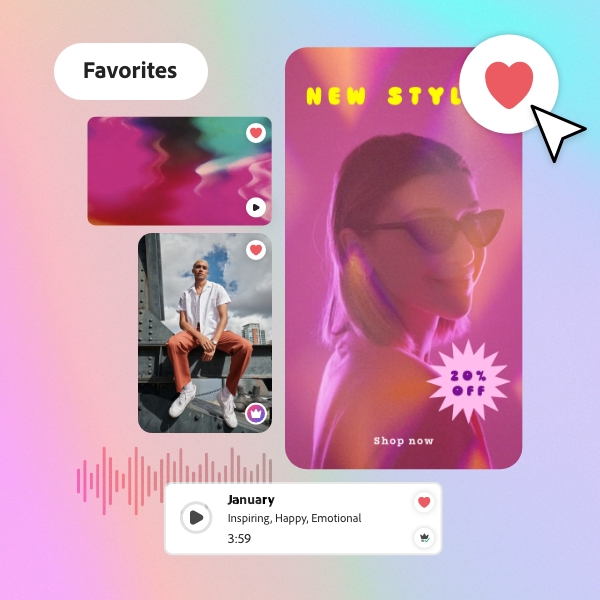
It is particularly well-suited to the Instagram content creator who needs to edit images, add text, apply animations and export everything in one place - without jumping between multiple applications. Adobe Express handles the complete creative workflow end to end.
Adobe Express is built on the same trusted infrastructure as Photoshop, Premiere Pro and Illustrator - making it the industry-standard starting point for creators who want professional results without the complexity of full desktop software.
New in 2025: Next-Generation AI Integration and the AI Assistant
Adobe Express has received two landmark AI updates in 2025 that fundamentally change how quickly and creatively content can be produced.
Next-Generation Partner AI Integration
Adobe Express now integrates with next-generation partner AI models from Google, OpenAI, Runway and more, enabling a new category of intelligent image editing. Users can swap backgrounds, adjust poses or colours and reposition products - all while keeping characters and brand visuals consistent across every output.
Here is what the partner AI integration makes possible in Adobe Express:
| Capability | What It enables |
|---|---|
| Swap Backgrounds | Replace any image background with an AI-generated scene while keeping your subject and brand visuals perfectly intact. |
| Adjust Poses and Positions | Reposition products or characters within a frame without reshooting - ideal for ecommerce and campaign imagery. |
| Adjust Colours | Change colours on specific elements of an image using a text prompt - no manual selection or layer work required |
| Brand Visual Consistency | The AI maintains character and brand asset consistency across multiple generated variations so every output stays on-brand |
This is a significant capability for ecommerce sellers, social media managers and marketing teams who need to produce multiple variations of campaign imagery without running new shoots for every iteration.
AI Assistant (Beta) - From Concept to Content in Minutes
The new AI Assistant in Adobe Express is a conversational creation and editing tool that understands the context of your design. It allows you to describe what you want in plain language and the assistant generates or adjusts your content accordingly.
Key capabilities of the AI Assistant include:
- Conversational Creation - Describe your content idea and the AI builds a starting design
- Contextual Understanding - The assistant recognises existing design elements and makes edits that fit your layout
- Easy-to-use Editing - Adjust copy, swap images, change colours or resize formats using natural language commands
- Speed - Move from concept to finished content in minutes rather than hours
Time-Saving Efficiency with AI: The AI Assistant removes the blank-page problem entirely. Instead of starting from zero, you describe your brief and Express builds the foundation - allowing you to focus on refining rather than creating from scratch.
Complete Guide to AI Background Removal in Adobe Express
One of the most-used features in Adobe Express is its AI remove background tool. Whether you need a transparent background for a logo, a clear background for a product shot or want to change photo background entirely - Adobe Express handles all of it without manual selection or masking.
Here is a complete breakdown of every background removal and editing capability available in Adobe Express:
| Feature | What It Does |
| Remove background | One-click AI background remover that cleanly isolates your subject in seconds |
| Transparent background | Export any image with a transparent background as a PNG - ready for layering onto any design |
| Clear background | Instantly produce a clear background for product images, headshots or brand assets without manual masking |
| Remove background from photo | Works on portraits, products and complex scenes - the AI photo background remover handles fine edges like hair with precision |
| Change photo background | Replace any removed background with a solid colour, gradient, pattern or an AI-generated scene |
| Remove white background | The remove white background from image tool is ideal for product shots and logo files that need a clean transparent or custom base |
| Video background remover | Remove background from video clips directly in Express - no green screen required |
| Green screen background | Supports green screen background workflows for video editors who prefer a traditional chroma-key setup |
| AI remove background | All background removal in Express is AI-powered - the remove background AI engine works automatically with no manual selection |
The image background remover in Adobe Express is particularly powerful for product photography. Sellers on Amazon, Flipkart or Meesho can upload a product image and use the photo background remover to produce a clean white background version that meets marketplace listing standards - all without Photoshop or specialist editing skills.
The remove background AI engine in Adobe Express works automatically on every image type - portraits, products, illustrations and even complex multi-subject scenes. There is no manual selection required at any stage.
Core Features of Adobe Express for Social Media Content
Beyond background removal, Adobe Express packs a comprehensive set of tools designed specifically for social content production. Here is what the platform offers:
- Magic Edit and AI Photo Enhancement
Magic Edit is Adobe Express's one-tap AI enhancement tool. It automatically improves lighting, sharpens detail, corrects colours and smooths skin in portraits - applying adjustments that would otherwise require several manual steps in a traditional editor. The result is a social-ready image in seconds.
- Auto-Resize for Every Platform
Design once and export in every format. Adobe Express automatically resizes any design to fit Instagram posts, Stories, TikTok videos, LinkedIn banners, YouTube thumbnails and more - eliminating the need to rebuild layouts for every platform. This is one of the most significant time-saving features for social media managers handling content across multiple channels.
- Animated Text and Video Creation
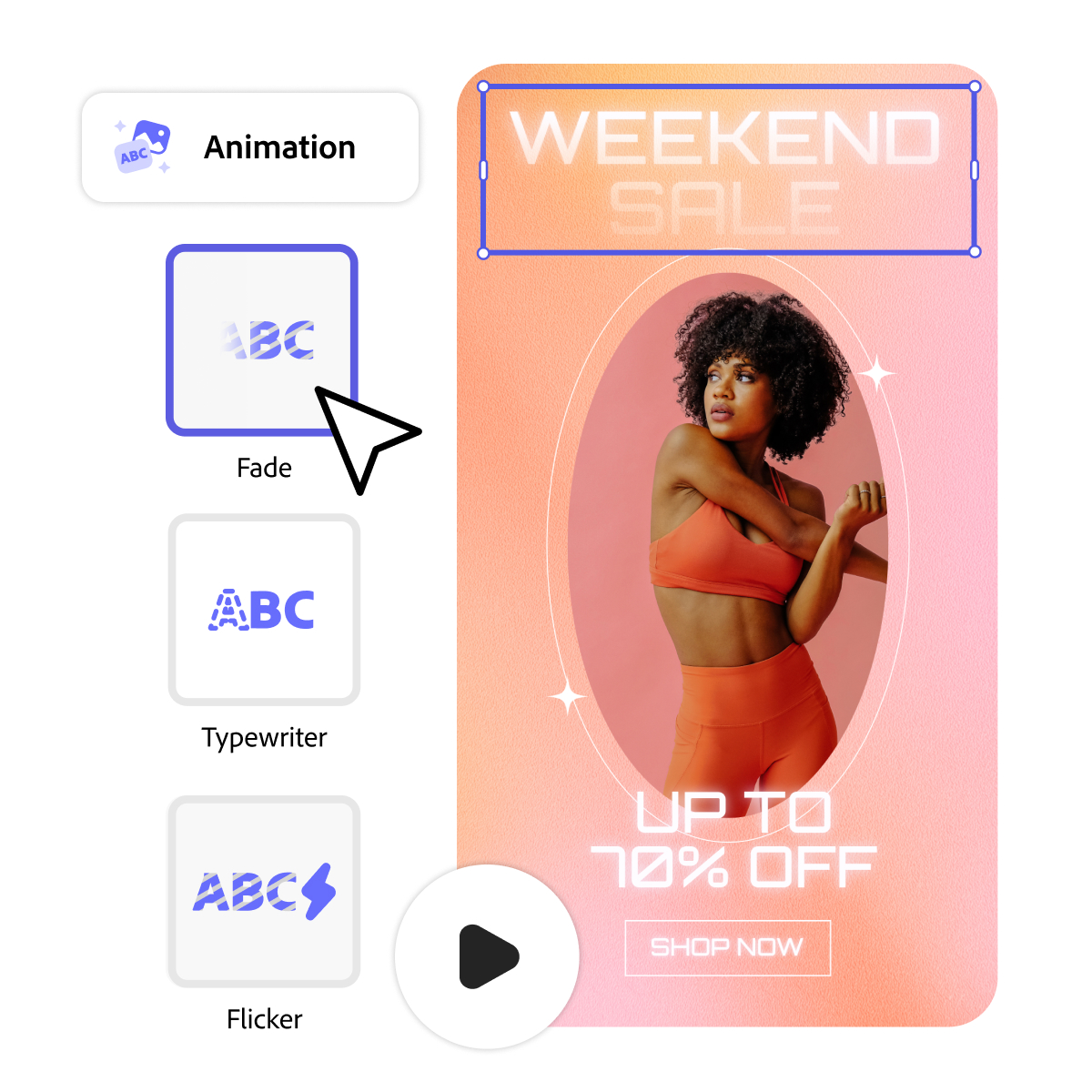
Adobe Express makes it easy to add animated text overlays, transitions and motion effects to images and video clips. Users can produce short social videos with branded intros, lower-thirds and animated calls to action - without any video editing experience.
- Brand Kit
Teams and businesses can upload their brand fonts, colours and logos into a Brand Kit that is automatically applied to every new design. This ensures every piece of content - whether created by one person or a team of ten - stays visually consistent without manual checking.
- Templates Library
Adobe Express includes thousands of professionally designed templates for every content format and industry. Templates are fully editable and serve as a fast-start creative foundation for users who want a polished result without building from scratch.
- Adobe Fonts Integration
Subscribers get access to thousands of fonts from the Adobe Fonts library directly within Express - enabling typographic variety and brand alignment without needing to source or install fonts separately.
Adobe Express for Video: Remove Background from Video and More
Adobe Express is not limited to static graphics. Its video capabilities have expanded significantly in 2025 and now include tools that were previously only available in dedicated video editing software.
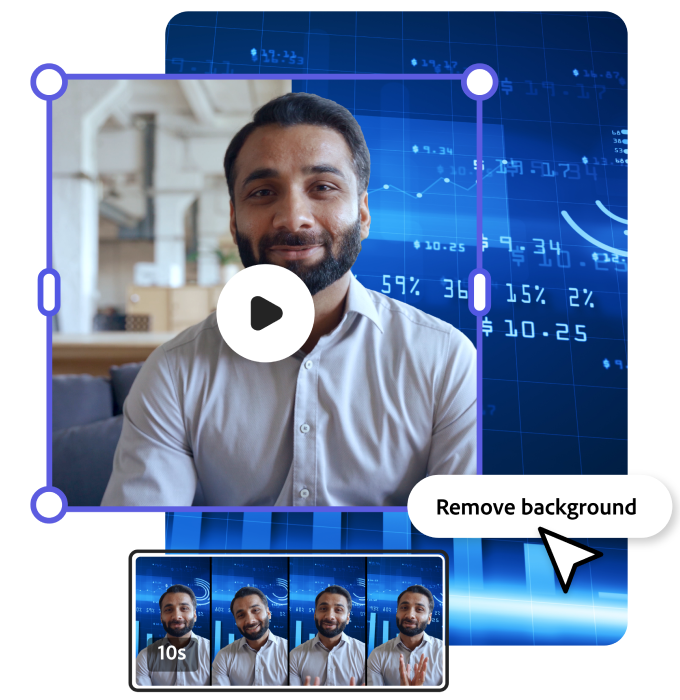
The video background remover in Adobe Express allows users to remove background from video clips without a physical green screen background setup. The AI isolates the subject in each frame automatically and replaces the background with any image, colour or video you choose.
This makes it accessible for solo creators shooting on a phone at home to produce professional-looking talking-head videos, product demos and social reels with custom or branded backgrounds.
- Animated Social Videos
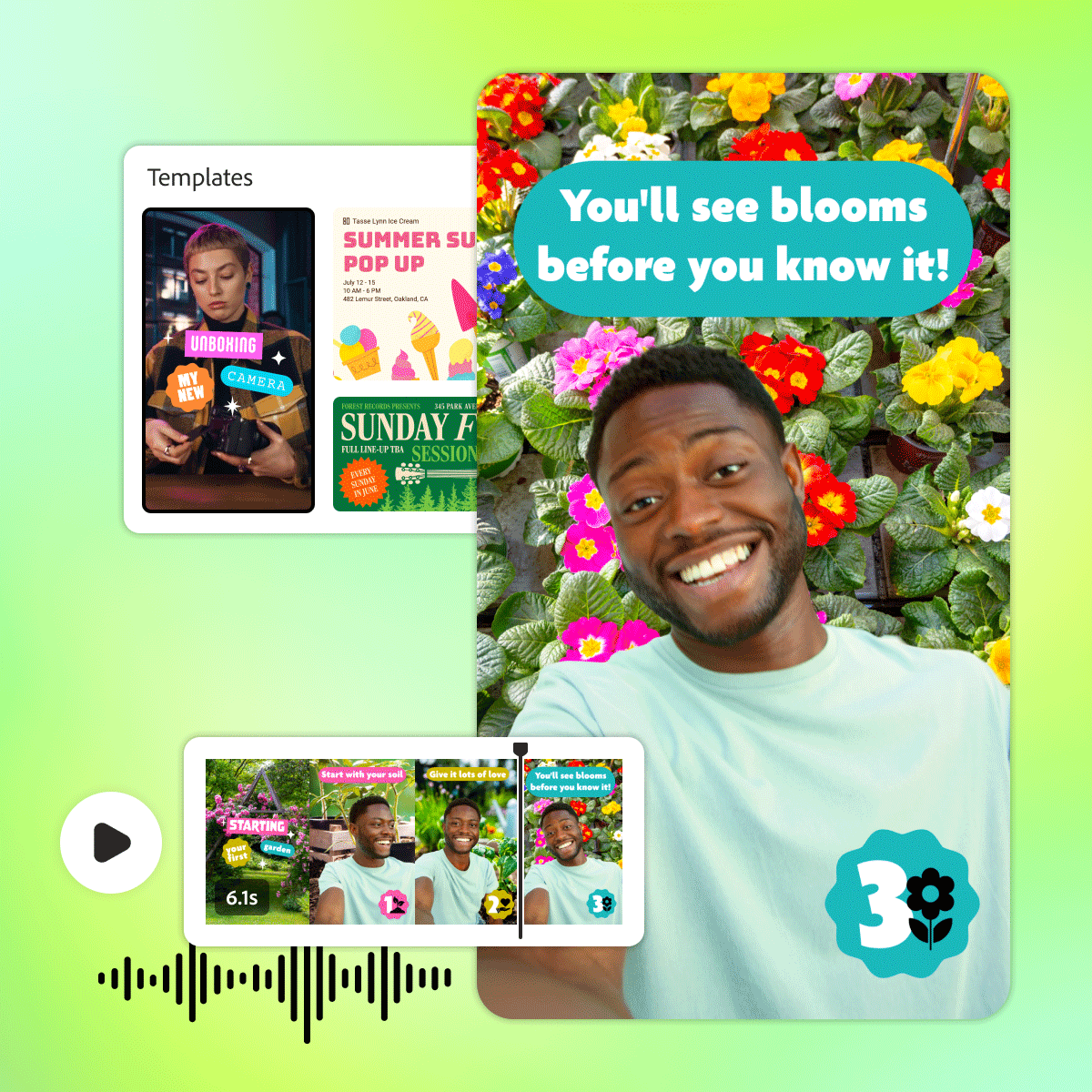
Express lets you combine image clips, video clips, text animations and music into short social videos optimised for Instagram Reels, TikTok and YouTube Shorts. Auto-captioning generates subtitles from spoken audio automatically - saving significant post-production time.
- Video Resize and Reformat
Like static graphics, videos can be auto-resized across formats. A single 16:9 recording can be reformatted into a 9:16 vertical Reel and a 1:1 square post without manual cropping or repositioning.
Adobe Express Pricing in India (INR)
Adobe Express is available on a free plan with core features and a Premium plan that unlocks AI tools, the full template library, Brand Kit and priority export. It is also included in the Creative Cloud All Apps subscription:
| Plan | Monthly | Annual | Best For |
| Adobe Express Free | Free | Free | Individuals and beginners |
| Adobe Express Premium | ₹1,329/month | ₹ 874/month | Creators and small businesses |
| Creative Cloud All Apps | ₹1,499/month | ₹1,332/month | Professionals need all 20+ Adobe Apps |
For creators who use or plan to use multiple Adobe tools, the Creative Cloud All Apps plan at Rs 1,499 per month includes Adobe Express Premium alongside Photoshop, Premiere Pro, Illustrator, After Effects and 20+ other applications - making it the best value option available.
Why Adobe Express: Core Advantages at a Glance
| Advantage | What It Means for You |
| Industry Standard | Trusted by leading creators and brands worldwide - an industry-standard tool for creative professionals at every level. |
| Comprehensive Multi-App Workflow | Connects seamlessly with Photoshop, Premiere Pro and Illustrator for a multi-app workflow that drives efficiency and quality |
| AI-Driven Efficiency | Magic Edit, AI background removal and generative tools cut content production time dramatically so you can publish more and faster |
| Reliability and Cloud Storage | Adobe Cloud Storage protects your designs from crashes and data losses with automatic saving and cross-device access |
| Value For Money | Access Adobe Express Premium and all 20+ Adobe Creative apps for just Rs 1,499 per month - outstanding value for creators |
Conclusion: The Fastest Path from Idea to Published Content
Adobe Express in 2025 is the most complete AI-powered content creation tool available for individuals, creators and small brand teams. The combination of the partner AI integration for intelligent image editing, the new AI Assistant for conversational design and a comprehensive set of tools including the AI background remover, auto-resize and video background removal makes it possible to go from idea to published content faster than any alternative on the market.
For Indian creators and businesses, whether you are an Instagram content creator editing and animating posts in one place, an ecommerce seller using the photo background remover to prepare marketplace listings or a marketing team producing multi-platform campaign assets - Adobe Express delivers professional results without professional complexity.
Starting free and scaling to Premium or the full Creative Cloud All Apps plan at Rs 1,499 per month, Adobe Express offers a clear and affordable path to better content, produced faster.
Disclaimer: This article is produced in partnership with Adobe. VCCircle editorial standards apply.