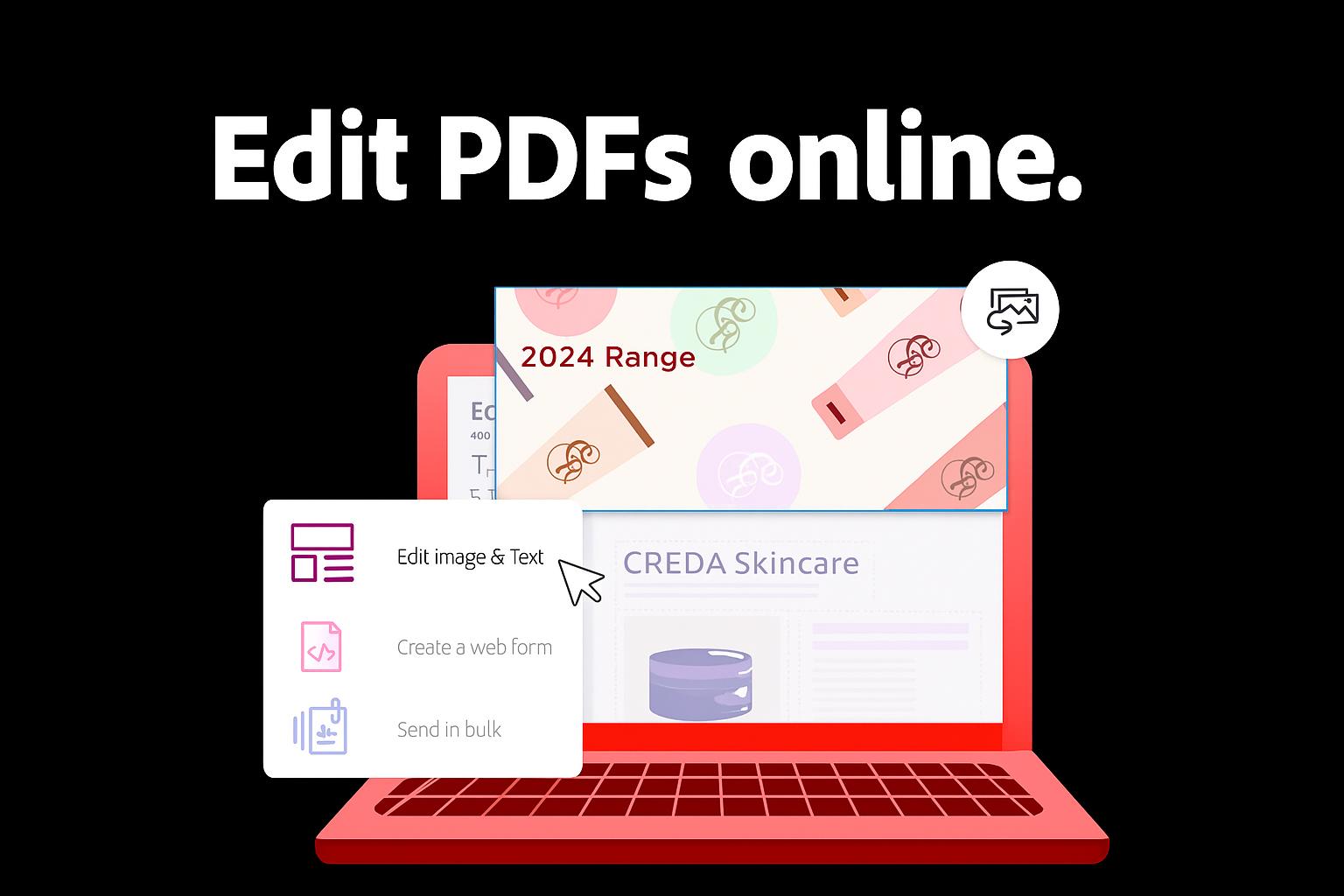
Critical deadlines, collaborative reviews, and multi-layered approvals often rely on the ability to update and finalise documents quickly. Bottlenecks and disrupted workflows happen when problems arise from these factors. And although essential for maintaining formatting and consistency, PDFs have the reputation of slowing down progress when edits require multiple tools or back-and-forth emails.
Adobe's PDF Editor addresses these challenges by transforming PDF management into a streamlined, secure, and efficient workflow. It enables organisations to handle both routine and complex edits seamlessly, improving collaboration and ensuring documents support productivity rather than hinder it.
Streamlining Routine PDF Tasks for Improved Productivity
Routine PDF edits may seem minor but can create significant delays when they pile up. Acrobat’s free online PDF editor helps streamline these everyday tasks by centralising feedback and simplifying document reviews. By keeping comments, highlights, and edits in one place, teams reduce the risk of miscommunication and overlooked updates.
-
Adding comments and notes:
Feedback can be inserted inline, as a single word, sentence, or paragraph. Using @mentions immediately notifies relevant team members to streamline review cycles and keep conversations organised.
-
Drawing shapes or freehand annotations:
Arrows, stamps, and freehand sketches clarify complex points visually, enabling faster understanding and reducing misinterpretation in collaborative reviews.
-
Adding Annotations:
Highlighting, striking through, or underlining text emphasises critical information without altering the original content, preserving document integrity while guiding attention effectively.
-
Filling and signing forms:
Digital completion and e-signatures remove the need for printing, scanning, or couriering, accelerating approvals and simplifying workflows for both internal teams and external stakeholders.
-
Secure sharing:
Once edits are complete, PDFs can be distributed instantly via email or shareable links, ensuring all participants access the most up-to-date version while reducing errors and maintaining alignment in the process.
These capabilities reduce manual effort and streamline routine PDF tasks, allowing teams to focus on higher-value work.
Managing Complex PDF Workflows Made Easy
Professional documents often extend beyond simple text. Reports, proposals, and contracts can include multiple pages, embedded images, tables, or scanned content. Managing such files presents a different set of challenges: editing or rearranging content across pages, ensuring scanned materials remain accurate, and sharing large files without losing quality. Without specialised tools, these tasks can become time-consuming, error-prone, and disruptive to collaborative workflows.
Acrobat Standard and Acrobat Pro provide advanced functionality to address these complexities, enabling professionals to handle even the most intricate PDF workflows efficiently:
-
Inline text and image editing:
Adjustments to text or images, whether correcting typos, resizing, cropping, or replacing visuals, can be executed directly within the PDF, preserving layout and formatting across all devices. This eliminates the need to recreate or export documents, to save time and effort.
-
PDF compression:
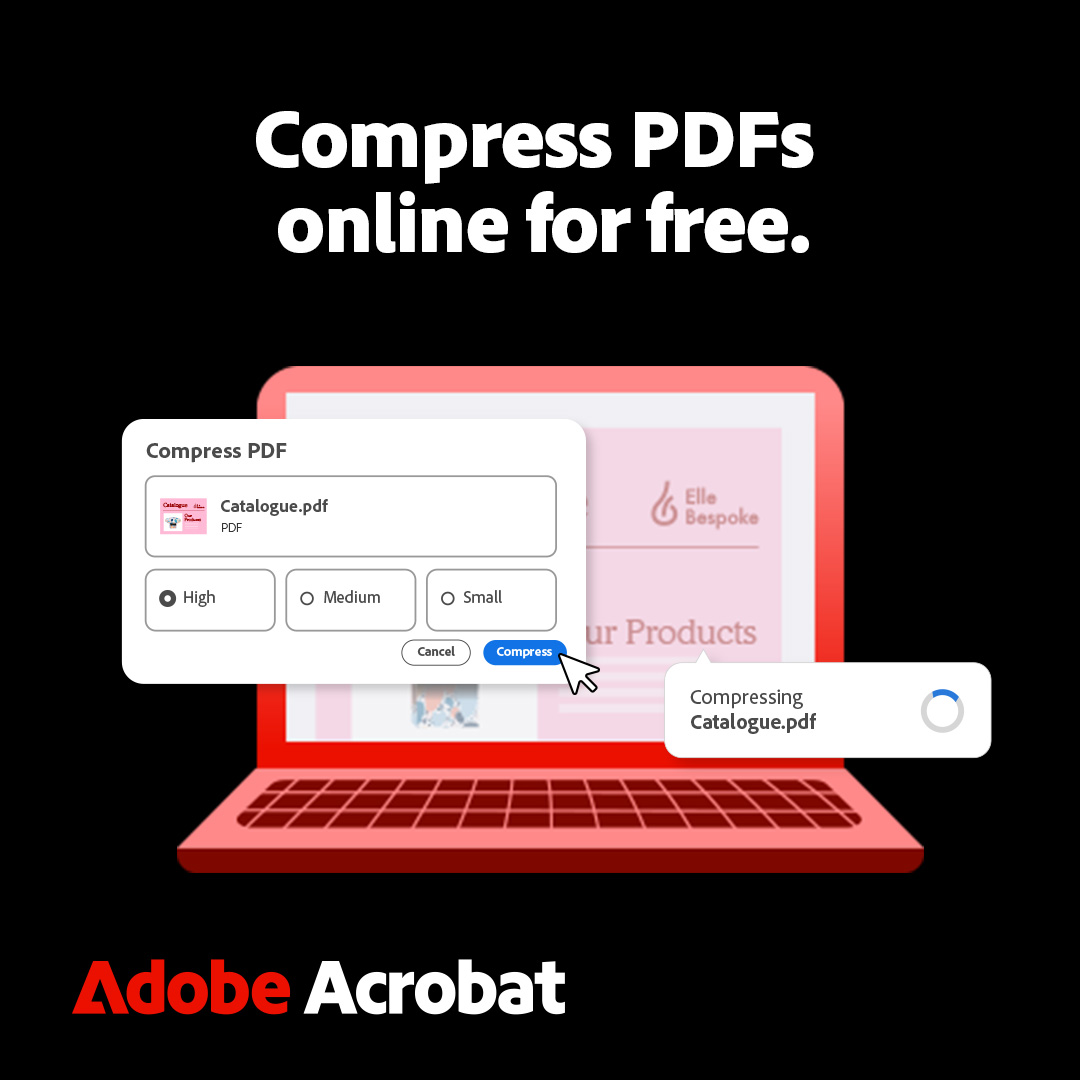
Large files can be reduced in size without compromising quality to facilitate faster sharing and smoother collaboration among teams and stakeholders.
-
OCR for scanned documents:
Scanned PDFs can be transformed into fully editable content with Acrobat Pro to preserve original fonts and formatting, ensuring the new version mirrors the original document while enabling quick text modifications.
-
Page organisation:
Pages can be deleted, reordered, or restructured, allowing documents to be adapted for different purposes, reused efficiently, or tailored for targeted audiences.
-
Splitting PDFs:
Large documents can be divided into multiple files, supporting modular reviews, targeted sharing, and focused collaboration without affecting the original file’s structure.
These advanced capabilities transform complex PDFs from potential bottlenecks into manageable, precise, and collaborative assets, helping professionals maintain accuracy, reduce errors, and streamline multi-step workflows across teams and projects.
PDF Capabilities Designed for Security, Flexibility, and Accessibility
Professional workflows demand more than functionality. They require security, collaboration, and reliable access across devices. Sensitive reports, financial documents, or client agreements must be protected without hindering collaboration. Adobe PDF Editor addresses this by combining robust security with accessibility. Free online tools enable immediate edits, while Acrobat Standard and Pro provide extensive capabilities for teams and enterprises, helping ensure secure, cross-device collaboration. Documents remain encrypted, edits are tracked, and sharing is controlled.
With plans starting at ₹613.60/month (Standard) and ₹944.00/month (Pro), Acrobat offers a reliable and cost-effective document solution that maintains operational integrity while supporting remote and mobile workflows.
Beyond PDF Edits: Enabling Intelligent Workflows
Every document represents a step in a broader workflow: one that connects people, decisions, and outcomes. Adobe PDF Editor brings intelligence and simplicity to this journey, enabling professionals to move seamlessly from drafting to reviewing to approval within a unified digital environment.
What once required multiple tools, versions, and email threads can now be done in minutes, accurately, collaboratively, and more securely.
By reimagining how PDFs are handled, Adobe PDF Editor turns document management into a catalyst for productivity. It bridges the space between routine edits and strategic execution, empowering organisations to work faster, smarter, and with greater confidence. It doesn’t just simplify documents. It transforms how teams create, collaborate, and deliver results in today’s digital workspace.
Disclaimer: This article has been produced on behalf of Adobe by VCCircle Research team.